Scan your setup
Read desks, request types, fields and workflows without changing them.
LaunchPad separates discovery, model selection, installation and request adoption into clear decisions.
You can stop after any step, review the result, and decide what should happen next.
Read desks, request types, fields and workflows without changing them.
Compare recommendations and inspect the object types and relationships before install.
Add the selected service model alongside what you already run.
Replace repeated free text with structured fields when you are ready.
In a live Jira Service Management scan, LaunchPad analysed 2 service desks, 4 projects, 50 request types, 123 custom fields and 272 request-type field references in around 8 seconds.
Workforce Management, Core, Basic CMDB and Enterprise IT CMDB came back as high-fit starting models, with repeated free-text fields flagged for structure. Live JSM scan
LaunchPad identifies repeated free-text fields and gives you the configuration recipe. It does not edit request forms itself.
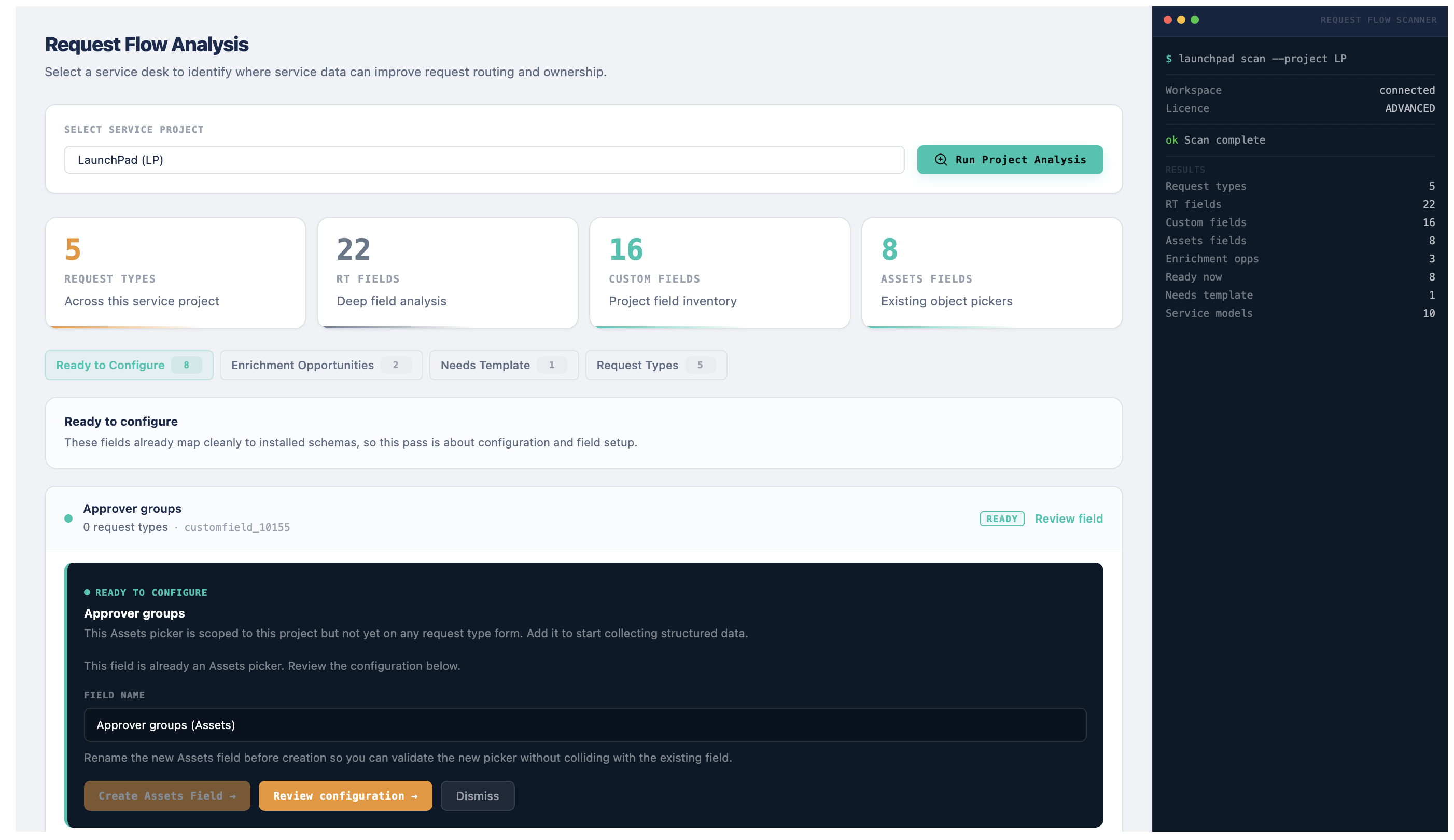
Not the shipping UI
Install LaunchPad from the Atlassian Marketplace. It is free for teams of up to 10 users.
We use analytics cookies to understand how the site is used, only if you accept. Read our privacy policy.